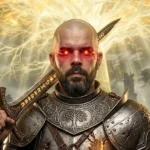
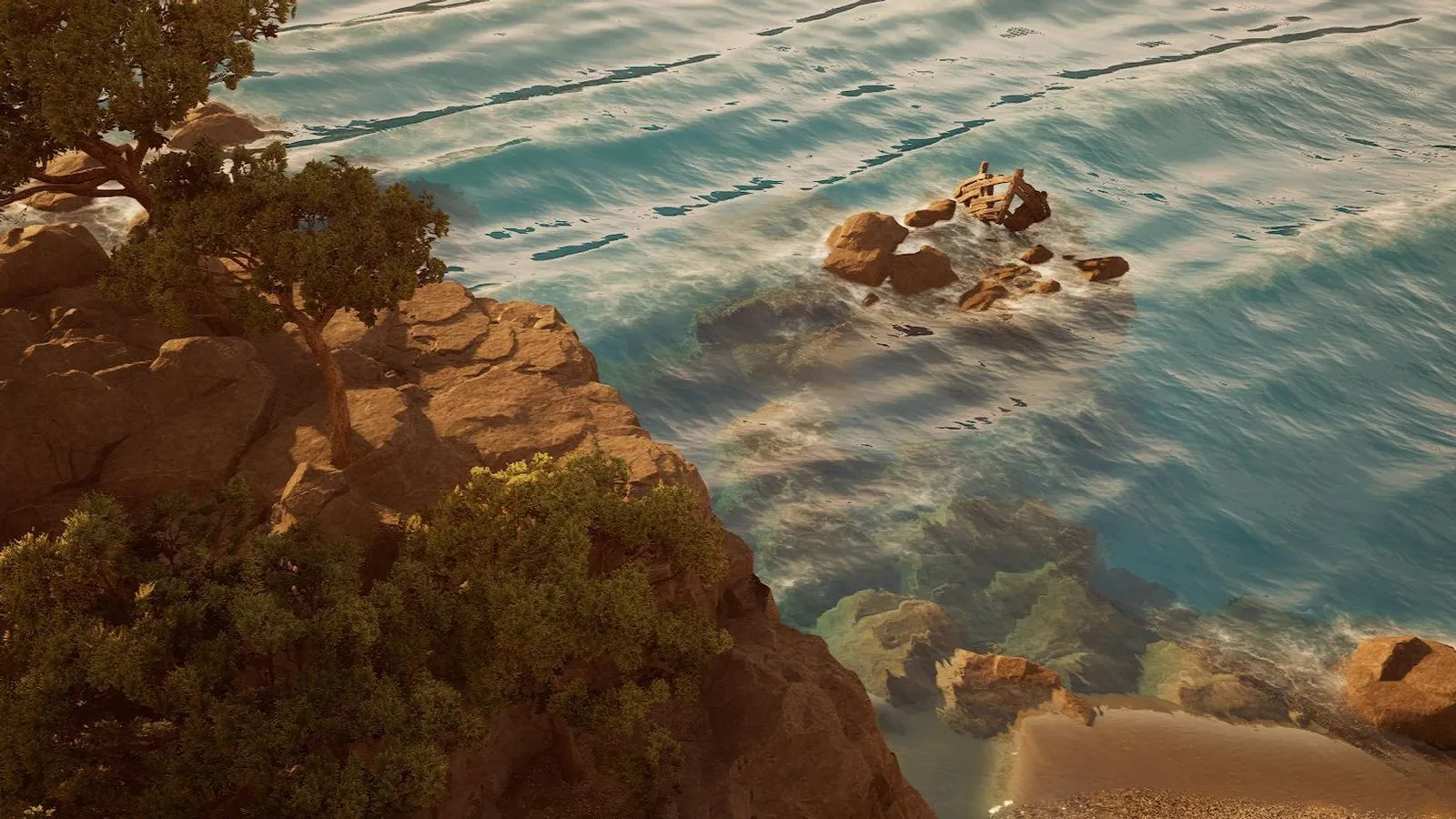
Here are 14 Enotria: The Last Song wallpapers in 36 files: desktop in 4K, 1440p, 1080p, laptop and ultrawide 21:9, plus 2 for mobile. They come from the concept art and screenshots in Jyamma Games’ official press kit and from the Steam page. Tap the size you want and it downloads for free.
Wallpapers by the numbers
From the press kit to your screen
- Press kitOfficial Jyamma Games art
- CropEach size, never upscaled over 10%
- MarkEnotria Guide logo and credit
- DownloadFree, with a secure link
Images © Jyamma Games S.r.l.
Which size should I pick?
| Your screen | Pick | Resolution |
|---|---|---|
| 4K monitor, TV or 4K laptop | 4K | 3840×2160 |
| QHD / 2K monitor (27″) | 1440p | 2560×1440 |
| Full HD monitor and most laptops | 1080p | 1920×1080 |
| Basic laptop | Laptop | 1366×768 |
| Ultrawide 21:9 monitor | 21:9 | 3440×1440 |
| Phone (iPhone or Android) | Mobile | 1080×1920 |
All wallpapers
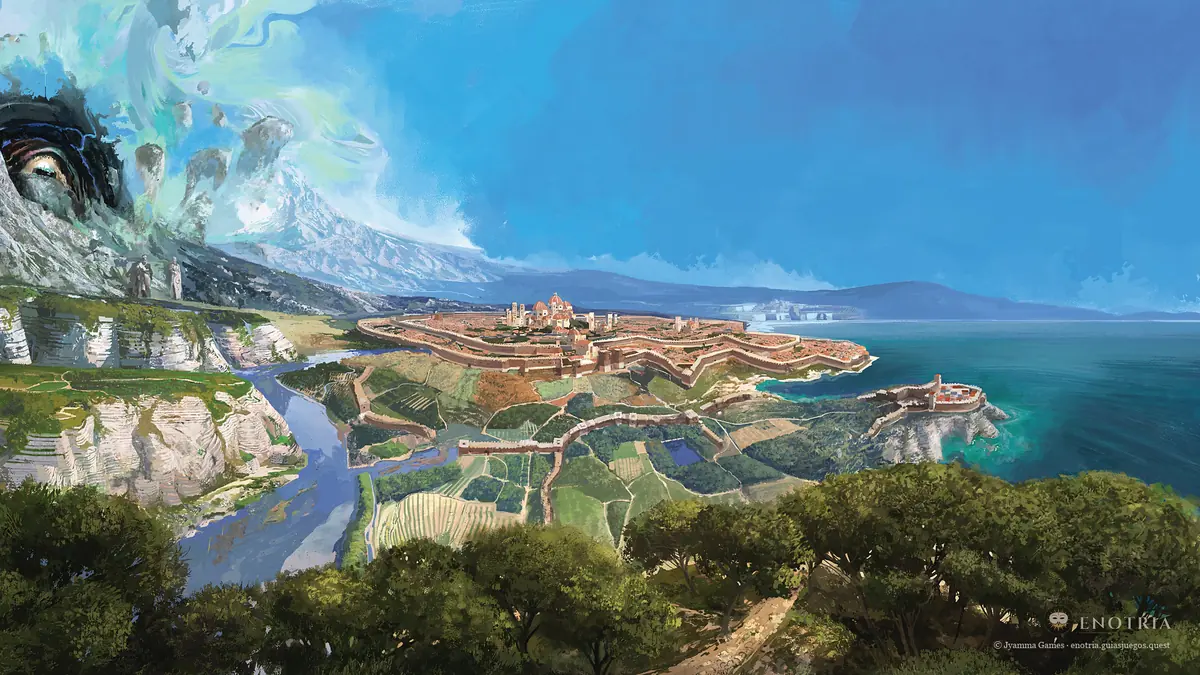
The Coast of Enotria Desktop
Concept art of Enotria's sunlit coast: a seaside town among pines and cliffs
Image: © Jyamma Games
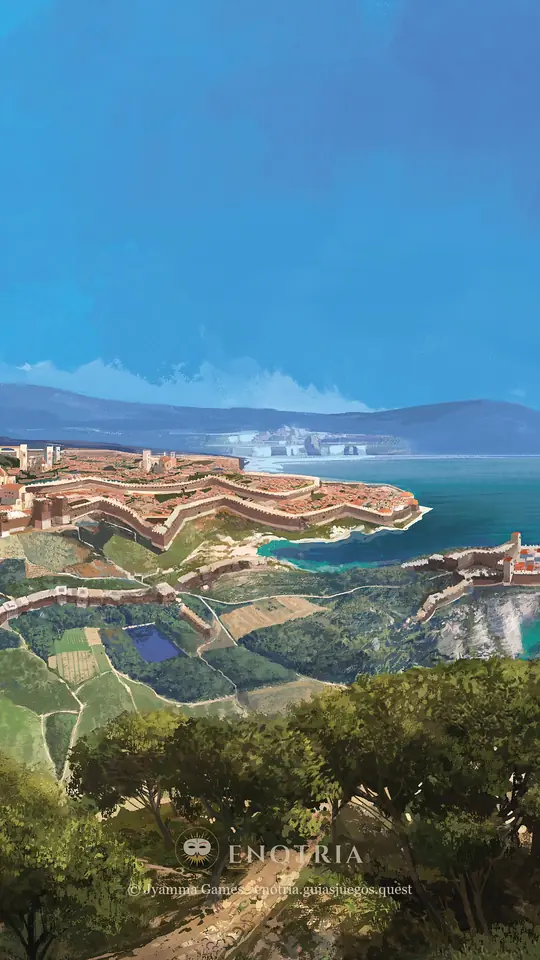
The Coast of Enotria Mobile
Concept art of Enotria's sunlit coast: a seaside town among pines and cliffs
Image: © Jyamma Games
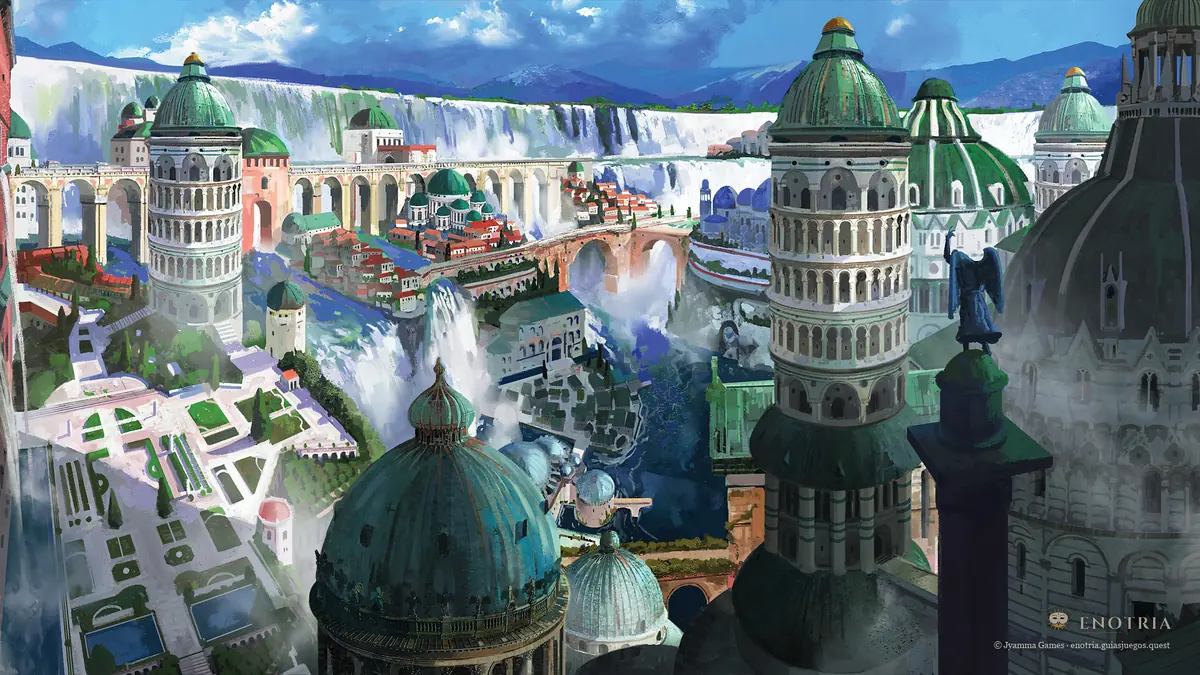
The White City Desktop
Concept art of a city of white towers and domes among waterfalls
Image: © Jyamma Games
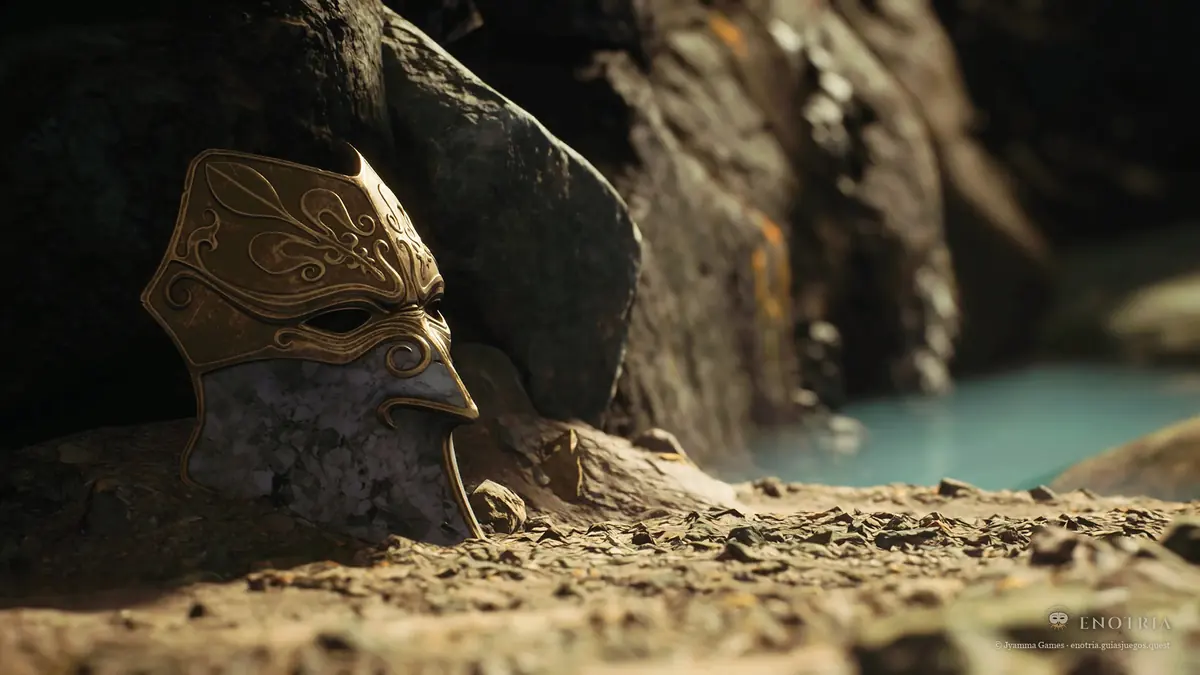
Mask in the Sand Desktop
A golden mask half buried in the sand by a cave and the water
Image: © Jyamma Games
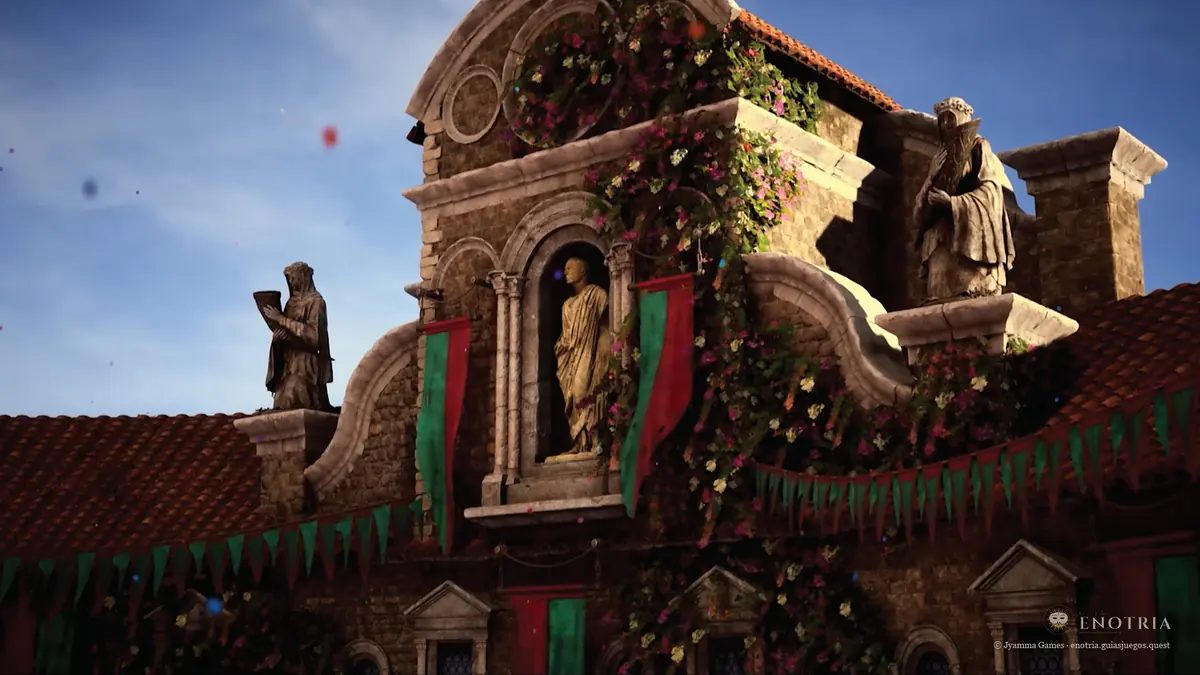
Rooftops at Sunset Desktop
Rooftops and statues of an Enotria city under the sunset sky
Image: © Jyamma Games
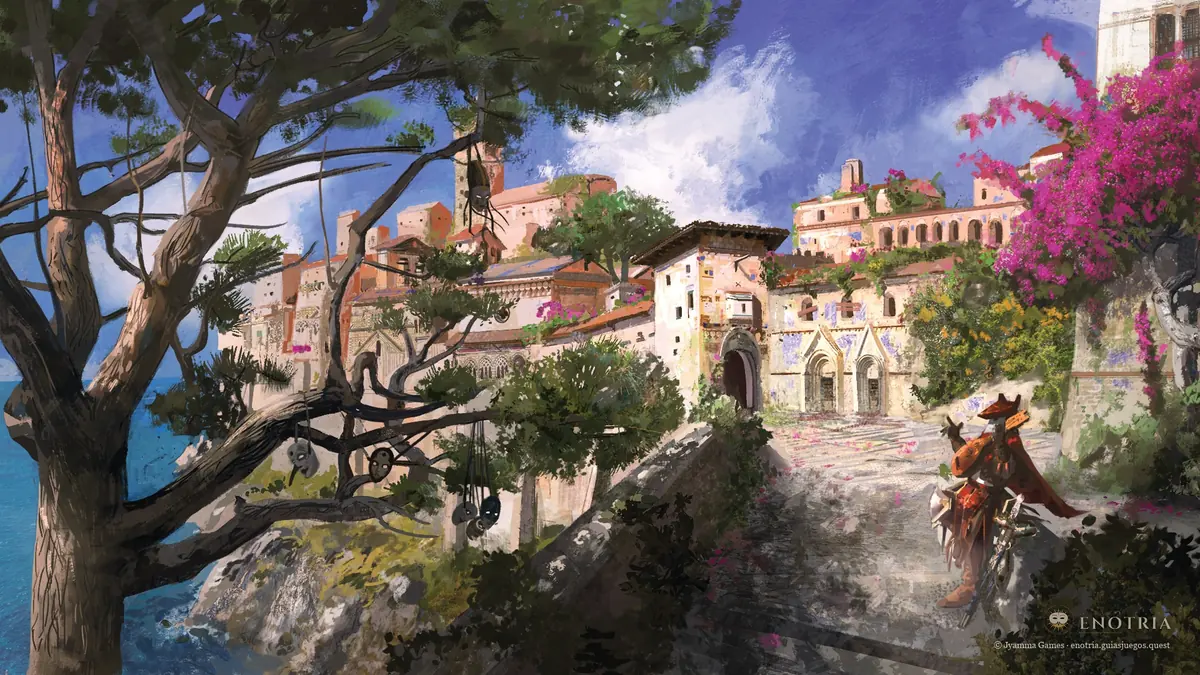
The Town in Bloom Desktop
Concept art of a Mediterranean town with bougainvillea, pines and the sea behind
Image: © Jyamma Games
Enotria Logo Desktop
The official Enotria: The Last Song logo on a dark stone background
Image: © Jyamma Games
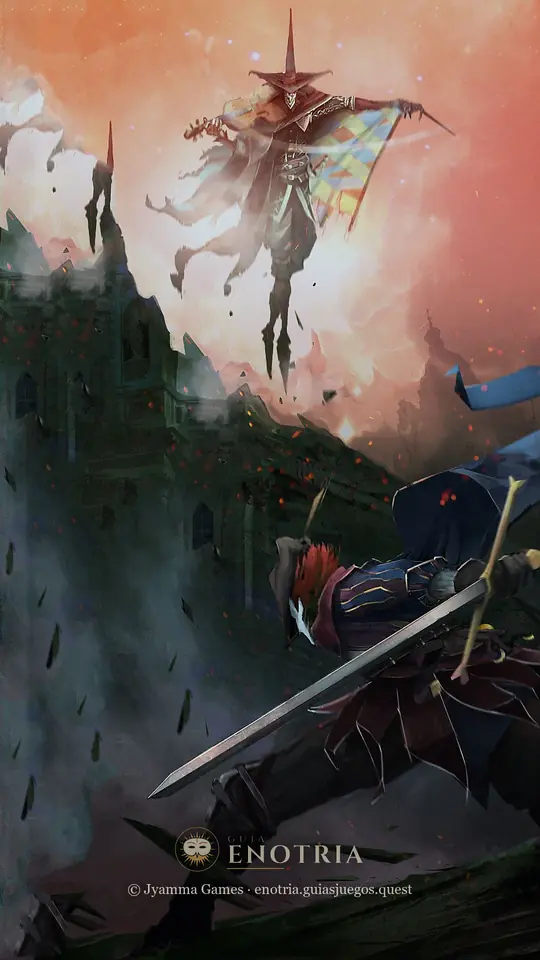
The Hero on the Summit Mobile
The protagonist with his sword on the rocks, a city above and the sunset sky
Image: © Jyamma Games
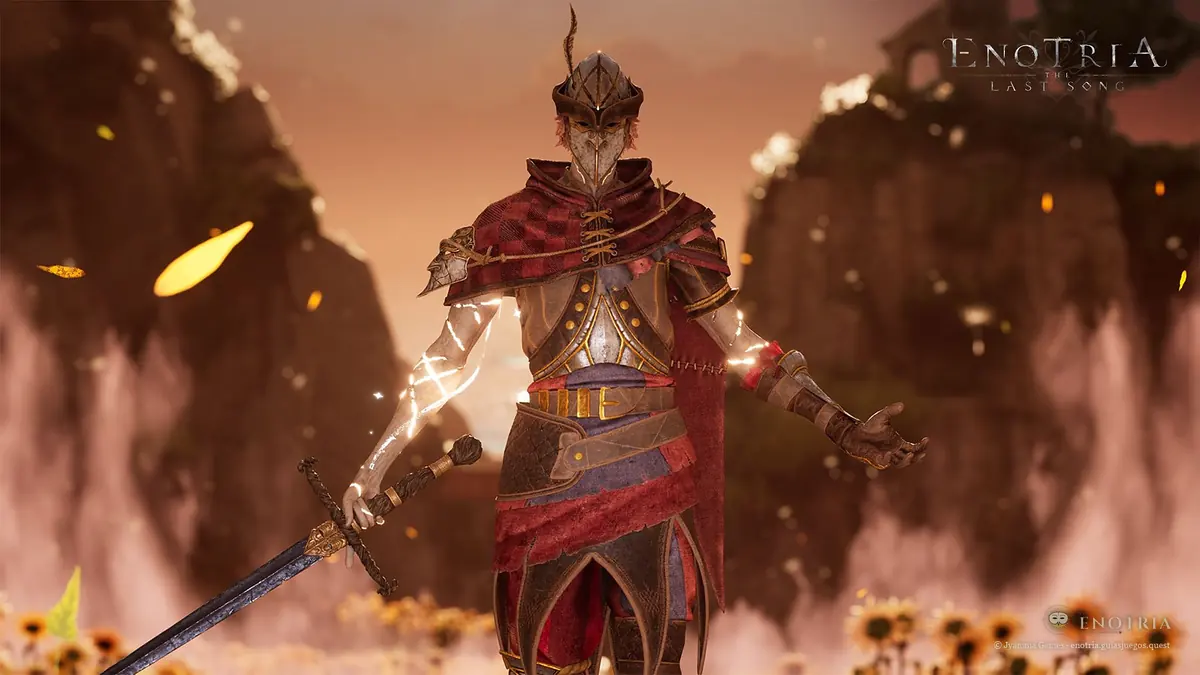
The Mask of Change Desktop
The masked protagonist among sunflowers and petals in the wind
Image: © Jyamma Games
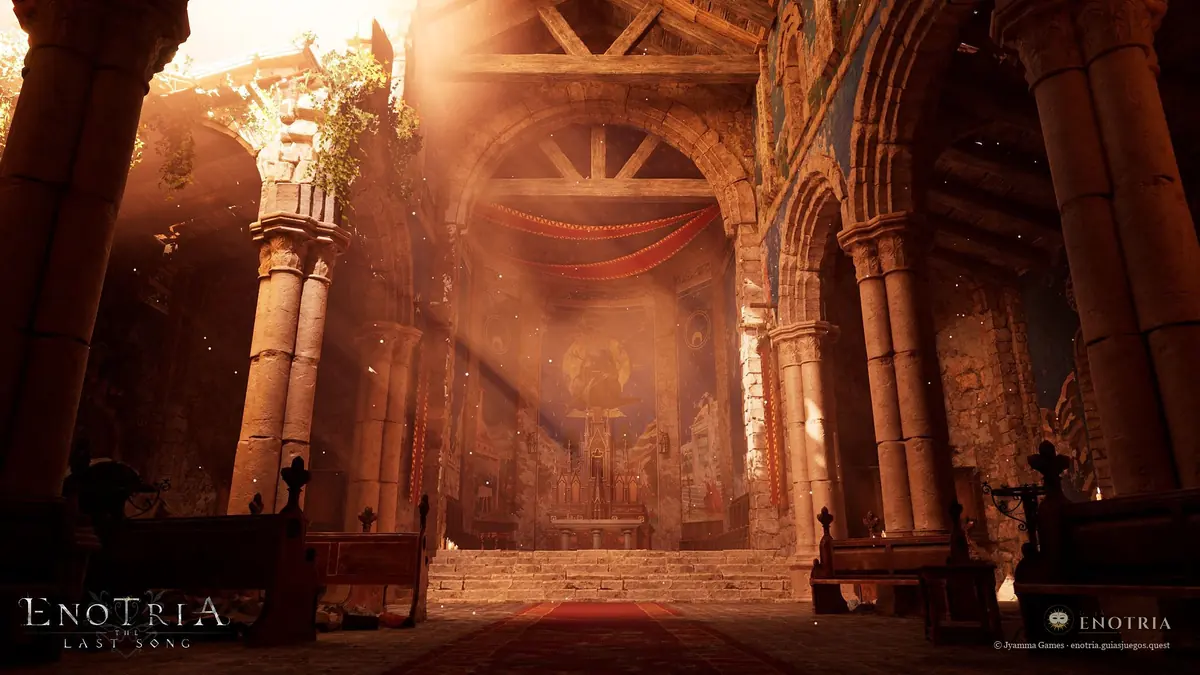
The Golden Temple Desktop
The inside of a columned temple lit by golden light
Image: © Jyamma Games
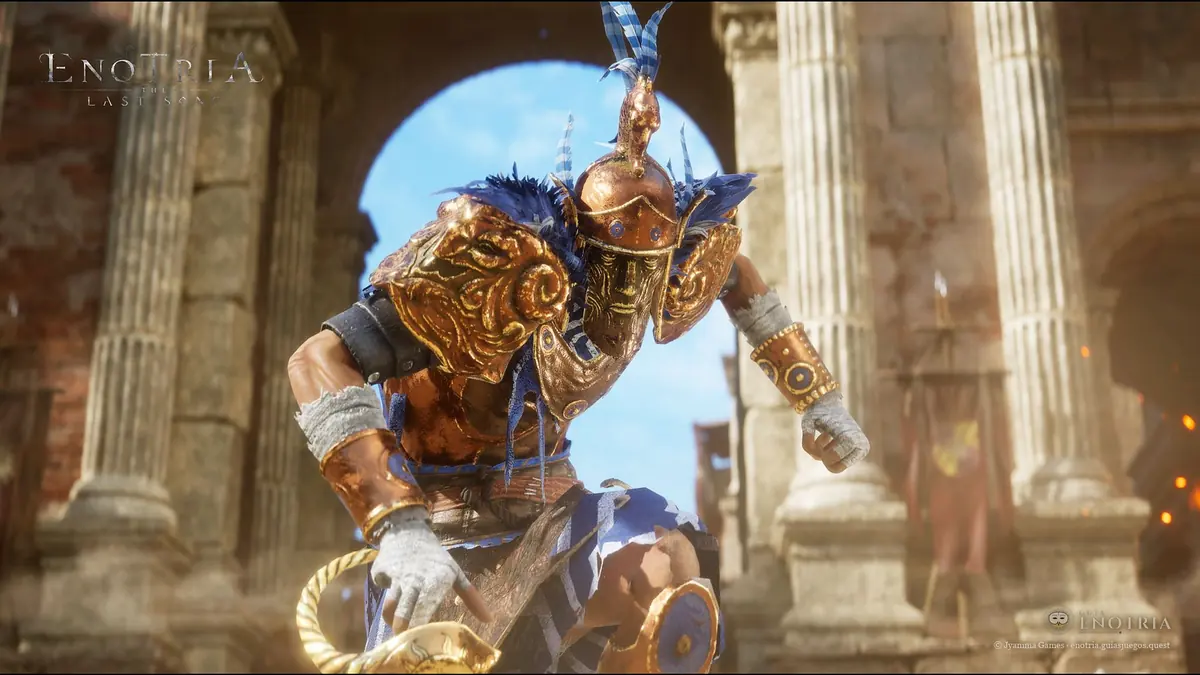
The Golden Warrior Desktop
A warrior in gold and blue armor among marble columns
Image: © Jyamma Games
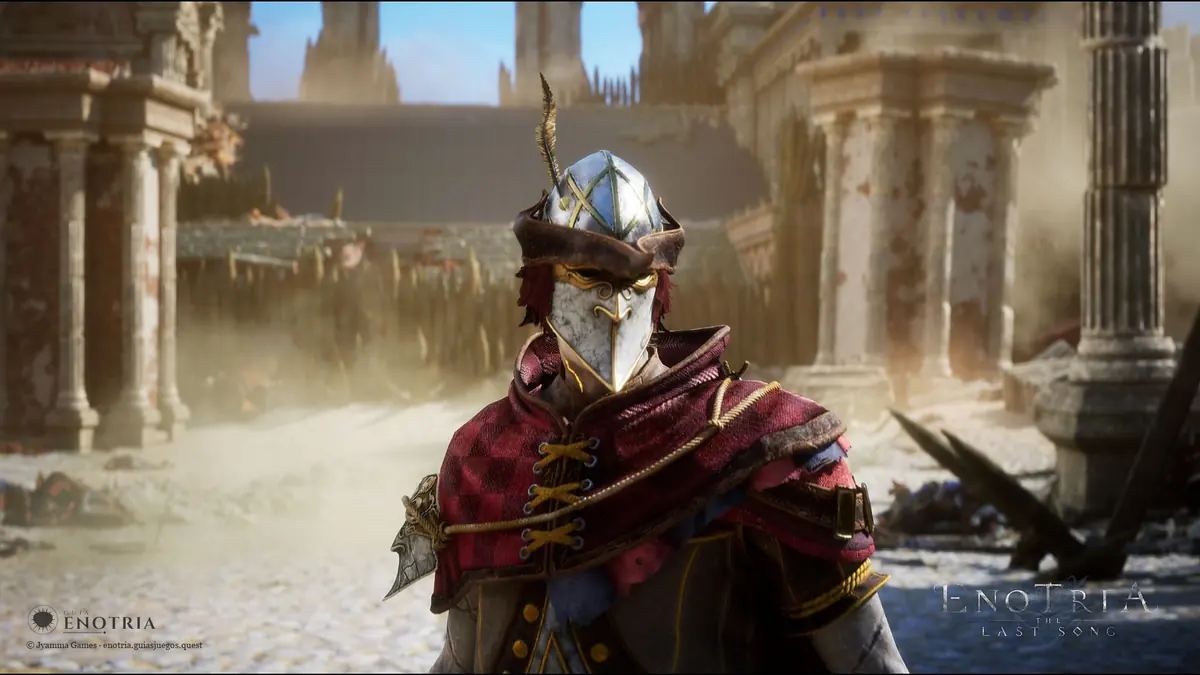
The Helmed Mask Desktop
A character with a silver helm and a white mask in sunlit ruins
Image: © Jyamma Games
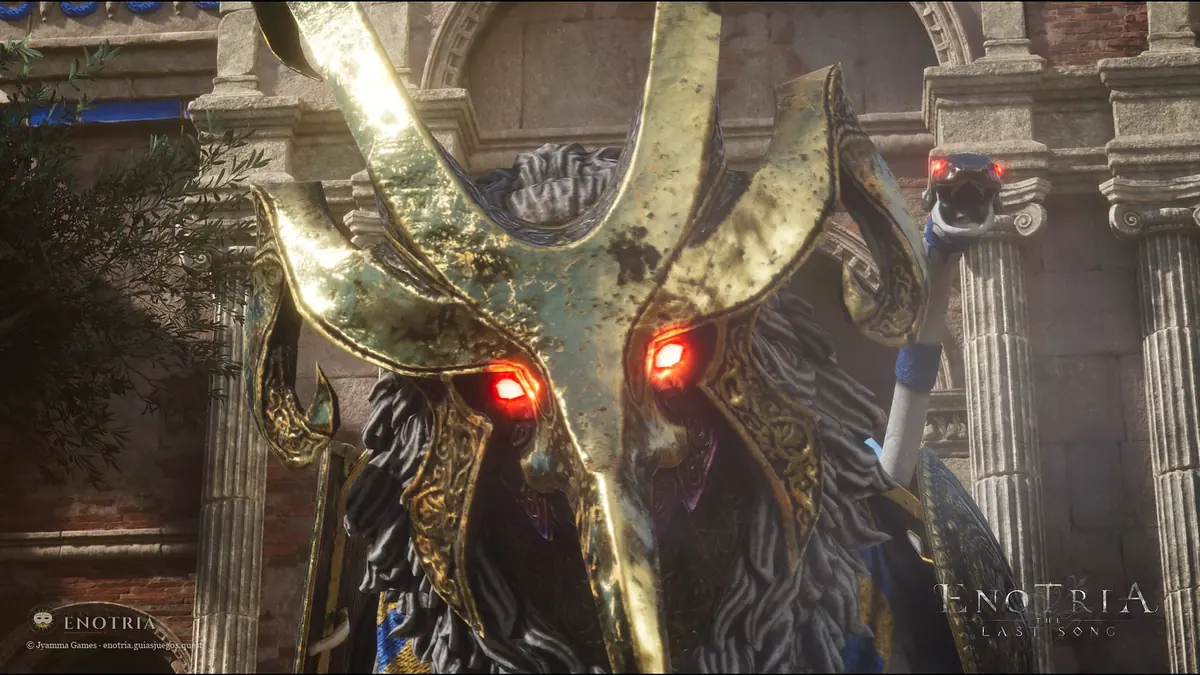
The Horned Boss Desktop
A boss with a horned golden mask and red eyes among columns
Image: © Jyamma Games
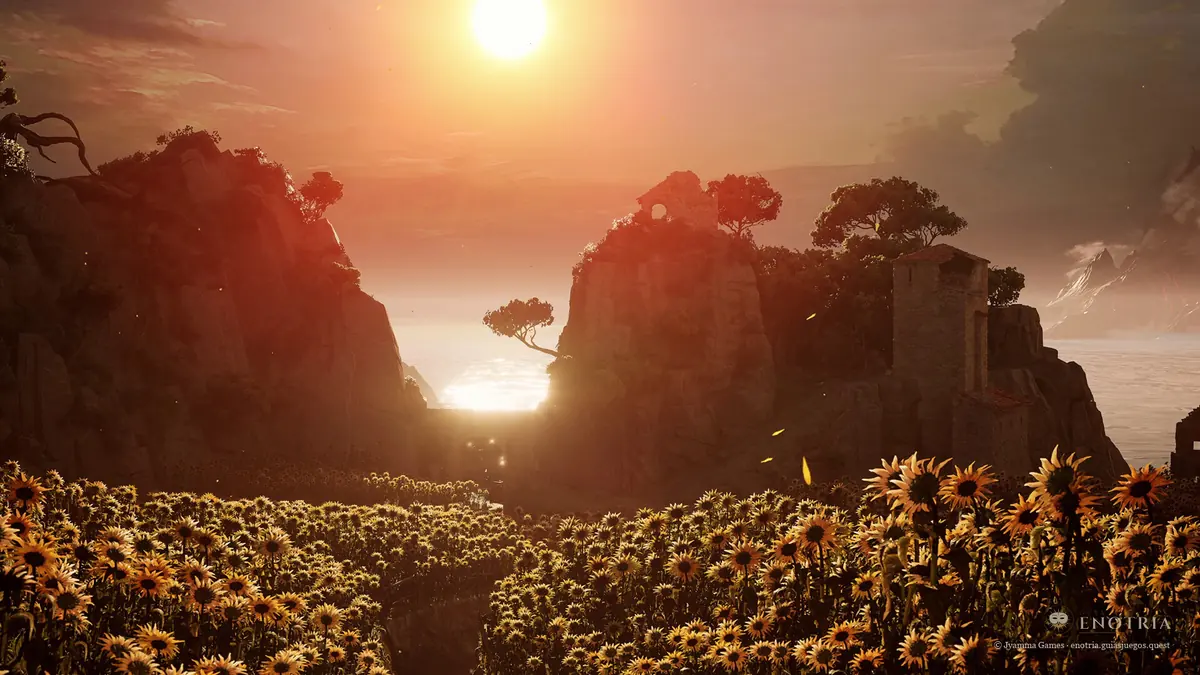
Sunflowers at Sunset Desktop
A sunflower field before Enotria's cliffs as the sun sets
Image: © Jyamma Games
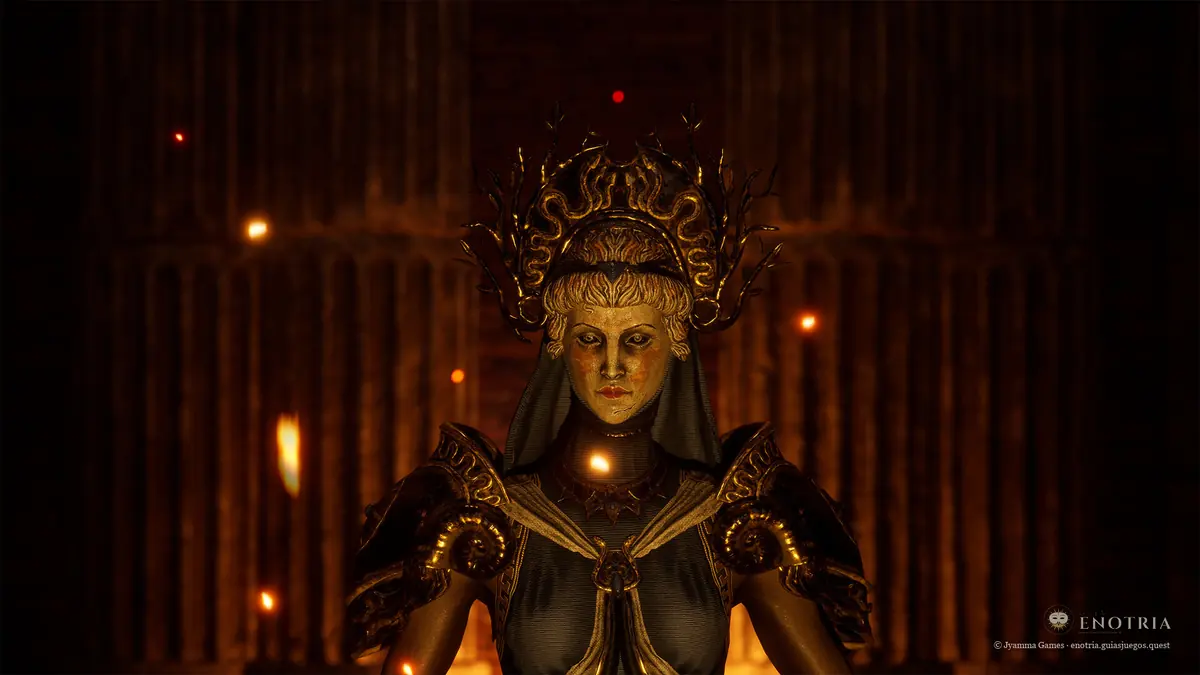
The Lady of the Golden Mask Desktop
A crowned figure with a golden mask before a red curtain
Image: © Jyamma Games
How to set it as your wallpaper
- Windows: Open the downloaded image, right-click and choose “Set as desktop background”.
- Mac: Open System Settings › Wallpaper › “Add Photo” and pick the file.
- Android: Long-press the home screen › Wallpaper › Gallery, pick the image and adjust it.
- iPhone: Open the picture in Photos › Share button › “Use as Wallpaper”.
Frequently asked questions
Are they free?
Yes. They download for free from this page, for personal use as a wallpaper.
Where do the images come from?
From Jyamma Games’ official press kit (concept art, logo and screenshots) and from the game’s Steam page. All are © Jyamma Games S.r.l.; Enotria Guide crops and prepares them in each size.
Why aren’t they all in 4K?
Because we never upscale an image by more than 10%: each wallpaper only comes in the sizes its original allows.
Can I use them on my website or in a video?
They are Jyamma Games’ work: for anything other than your personal wallpaper, ask Jyamma Games.
Images © Jyamma Games S.r.l. Enotria Guide is an unofficial fan site: we crop and prepare each wallpaper with the site’s mark; we are not the authors of the art.